

Scheduling
Scheduling and dispatch: calendar, conflicts, travel time
The dispatcher sees jobs, teams and dates in one calendar. They drag a job to another day; the application checks conflicts, absences and working hours and lets the client and the technician know.
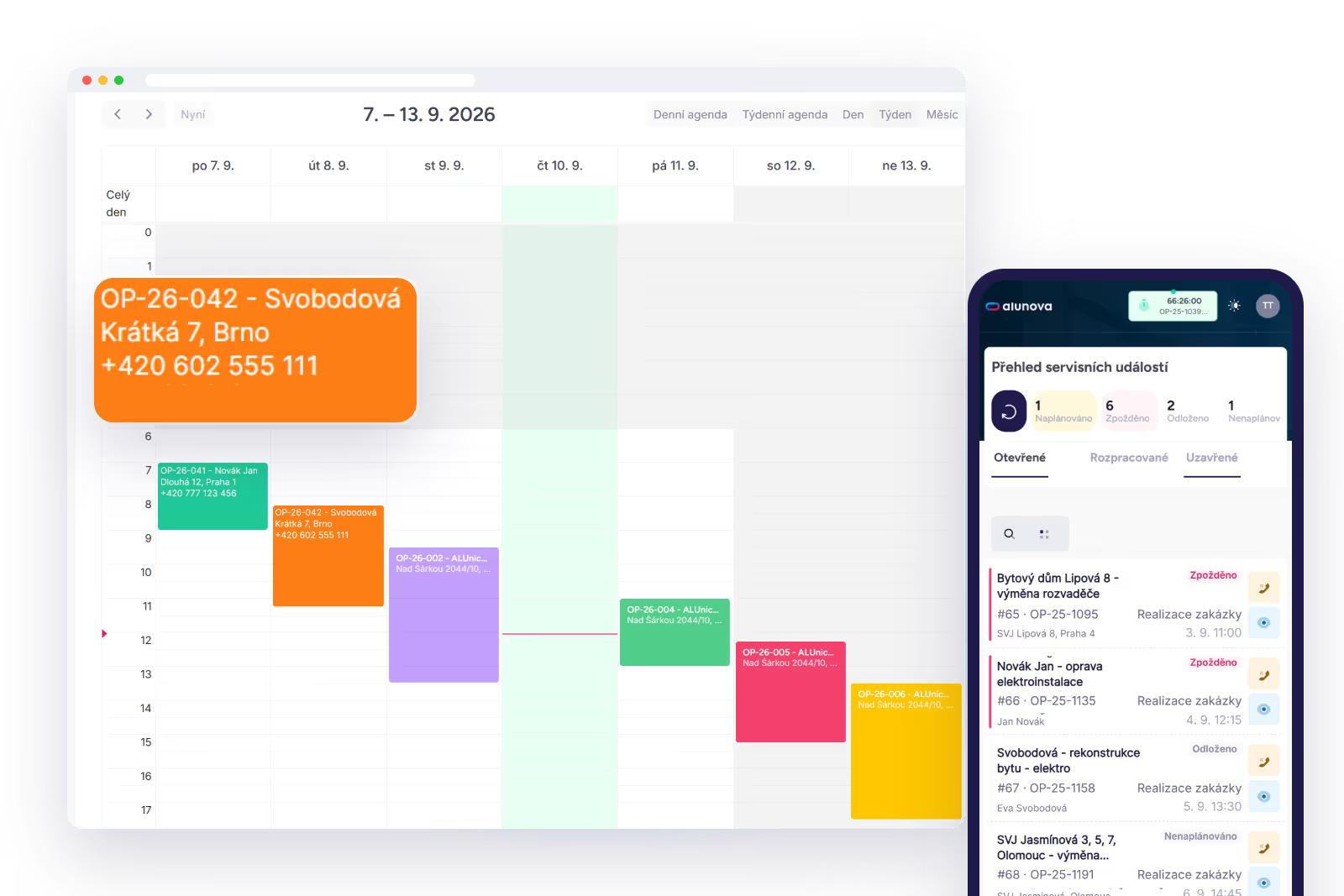
Service job planner
New deals from Raynet wait in the planner queue. For each one, the dispatcher sees the address on a map, the materials required from the deal and the participants. They pick a team and a date; the application calculates the travel time from the team’s home location and suggests the nearest team.
Drag-and-drop calendar
The weekly and daily calendar shows jobs by team and technician, colour-coded by status. You change the date by dragging and the duration by stretching. Filters by team, technician, status and deal type. Every rescheduling sends a notification to the client and the team and updates the calendar event in Raynet.
Conflicts and absences
The application warns when the technician has another job, holiday, sick leave or training on that date, or when the date falls outside the team’s working hours. The conflict is informative: the dispatcher decides whether to override it.
Service teams
A team has working hours, a home location with GPS coordinates and members. A subcontractor team works the same way, just with its own people from outside your company. Job participants can differ from team members when a specialist needs to be brought in.
Parallel scheduling
Two stages of one job, for example installation and electrical, are scheduled at once for two teams. Each has its own date and its own service report.
Follow-up stages
When the technician closes a stage, the application creates the follow-up stage according to the workflow: execution after diagnostics, handover after execution. The deal stage in Raynet moves on and the job appears in the planner queue.
Notifications
E-mail templates for the client, the technician and the salesperson: scheduling, change of date, completion. To whom, when and with which template: we set this up per stage.
Dashboard
Team utilisation, jobs by status, upcoming dates and jobs without a date on one screen. The service manager sees where work is piling up.
We will show you Alunova on your own jobs
30 minutes online. Bring two or three real cases — we will walk them from scheduling to the report in Raynet.