

Native Raynet connection
Alunova and Raynet: field and office in one loop
The deal in Raynet is the source of truth. Alunova writes everything that happens in the field into it and takes companies, contacts, the price list and custom fields from it. Technicians do not need a Raynet licence.
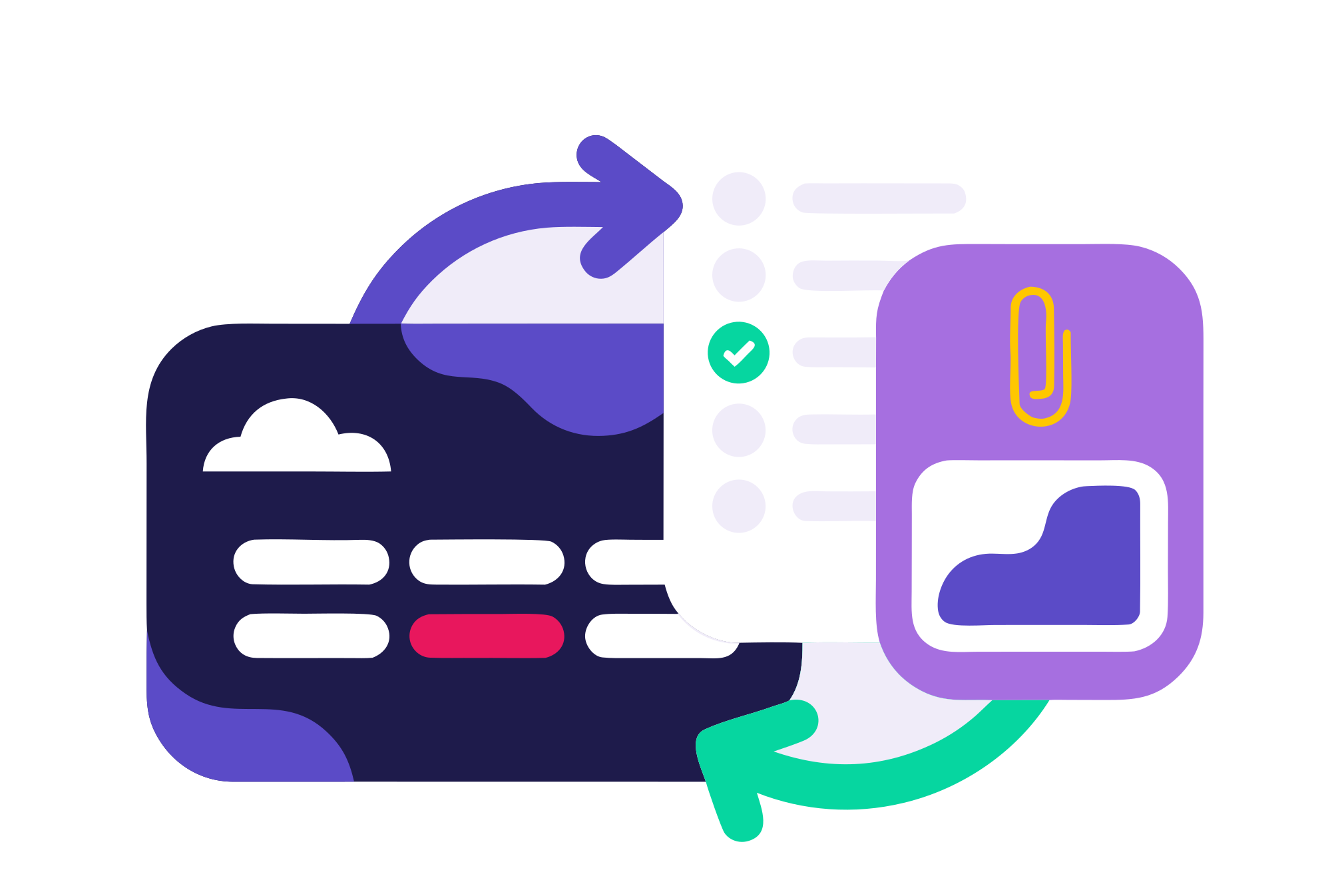
What Alunova writes into Raynet
Every service job, that is one technician visit in one stage, belongs to a deal in Raynet. As soon as something happens in the field, Alunova writes it into the deal:
- Deal stage moves according to the job status: scheduled, in progress, completed. We set up the stages in Raynet and the workflows in Alunova so that they match.
- Calendar events are created when a date is scheduled and on every rescheduling. The salesperson sees in the Raynet calendar when the technician is at the client’s site.
- Activities linked to the job: who did what and when.
- Attachments: the PDF service report signed by the customer and photos before and after the intervention.
- Deal line items: materials used and extra work from the Raynet price list, ready for invoicing in the accounting system.
- Custom fields: equipment identification, diagnostic result, anything you define in Raynet and in the technician’s wizard.
- Tags by stage and status, so that deals can be filtered.
What Alunova takes from Raynet
Synchronisation in the opposite direction runs automatically: companies and contacts, products and price lists, custom fields, categories and users. Webhooks from Raynet report changes to deals, leads and activities, so the dispatcher sees a new deal as soon as the salesperson creates it.
A technician in the field creates a job for a company from Raynet, or for a new company found in the ARES business register by company ID. Raynet receives both the new client record and the deal.
Technicians without a Raynet licence
Technicians work exclusively in Alunova. They sign in through Raynet operators, which are included in the price of every plan, so you do not pay a CRM licence for technicians. The sales team, the dispatcher and management stay in Raynet and see service where they have their sales.
What you need
- Raynet Professional or higher with API access.
- An integration account and the deal stage set-up. We handle both as part of onboarding.
- Configuration of deal types, stages and wizard steps according to your process.
How the connection is set up
- Analysis: we go through your deal types and stages in Raynet.
- Configuration of workflows in Alunova and stage mapping.
- Connecting webhooks and synchronising the price list, custom fields and users.
- Pilot operation with selected technicians and a check of what is written into the deals.
Service data in Raynet can then be passed on, to accounting or an ERP, through the ALUnico integration platform.

We will show you Alunova on your own jobs
30 minutes online. Bring two or three real cases — we will walk them from scheduling to the report in Raynet.