

Time tracking
Time tracking and reports: work, travel and break time
Timers in the job, absences in the calendar, a report per technician, activity and job. The basis for payroll and invoicing to XLSX or PDF without retyping.
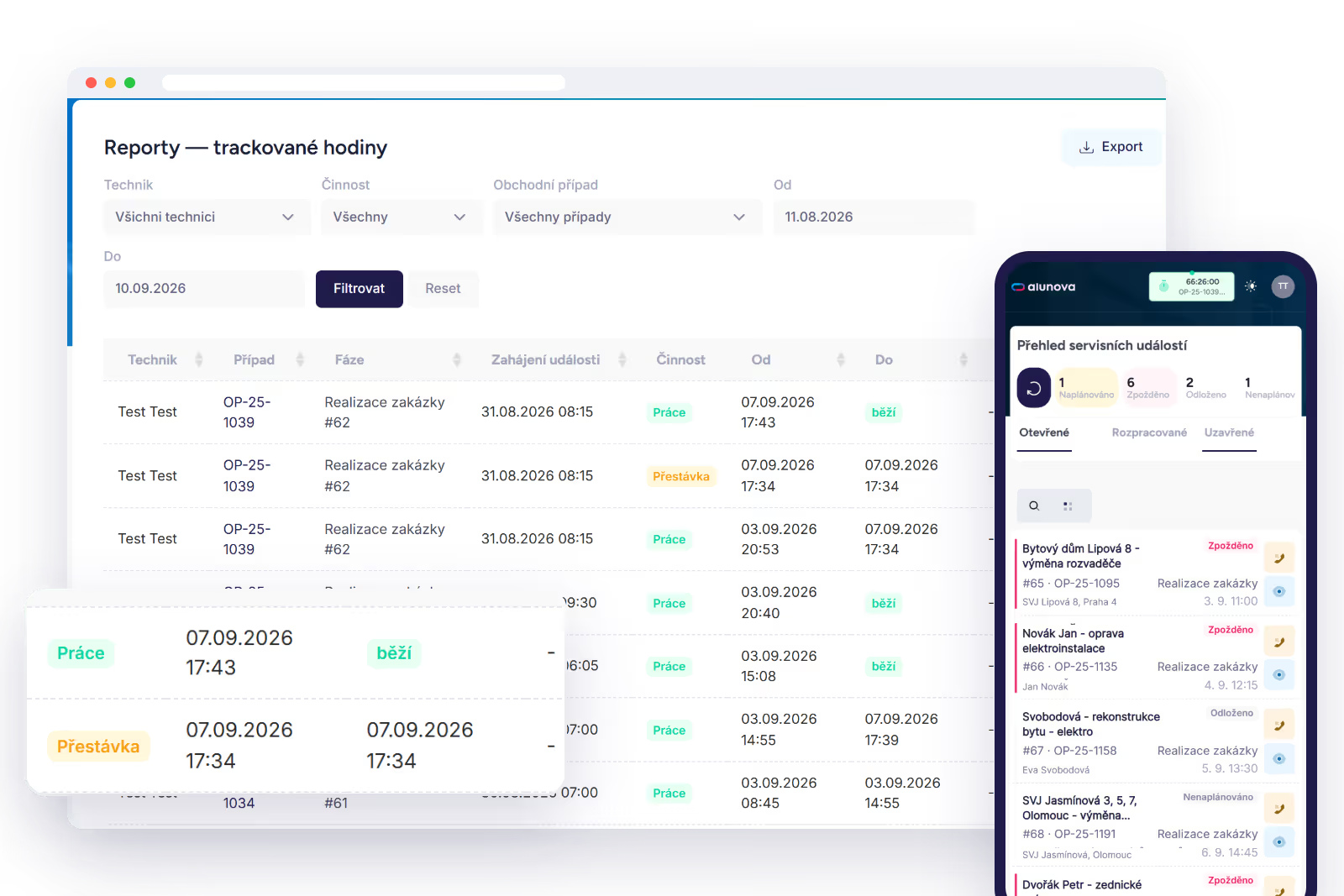
Timers in the job
The technician starts the timer when setting off, switches to work on arrival and to break when needed. The times are stored with the job and with the technician. The dispatcher also sees the time on the job detail.
Absences
Holiday, sick leave and training are entered in the calendar. The planner takes them into account when checking conflicts, so a job is not scheduled for a technician who is on holiday.
Attendance
Hours worked per technician and day, split into work, travel and breaks. Activities outside jobs, for example warehouse work or training, are recorded separately so that they do not mix with billable hours.
Reports
A report per technician, activity and job for a selected period, with export to XLSX and PDF. The payroll accountant receives the monthly report, invoicing receives the basis for the job, the service manager sees staff utilisation.
What management gets out of it
You see how much time goes on travel and how much on work, where idle time arises and which jobs are underpriced. The data comes from what the technician tapped through in the field, not from paper timesheets retyped on Monday.
We will show you Alunova on your own jobs
30 minutes online. Bring two or three real cases — we will walk them from scheduling to the report in Raynet.