

Service reports
Service reports: a PDF from your template, signed on the screen
Each stage has its own service report: intake, diagnostic, execution, handover, inspection. The customer signs it on the screen, receives it by e-mail and a copy sits on the deal in Raynet.
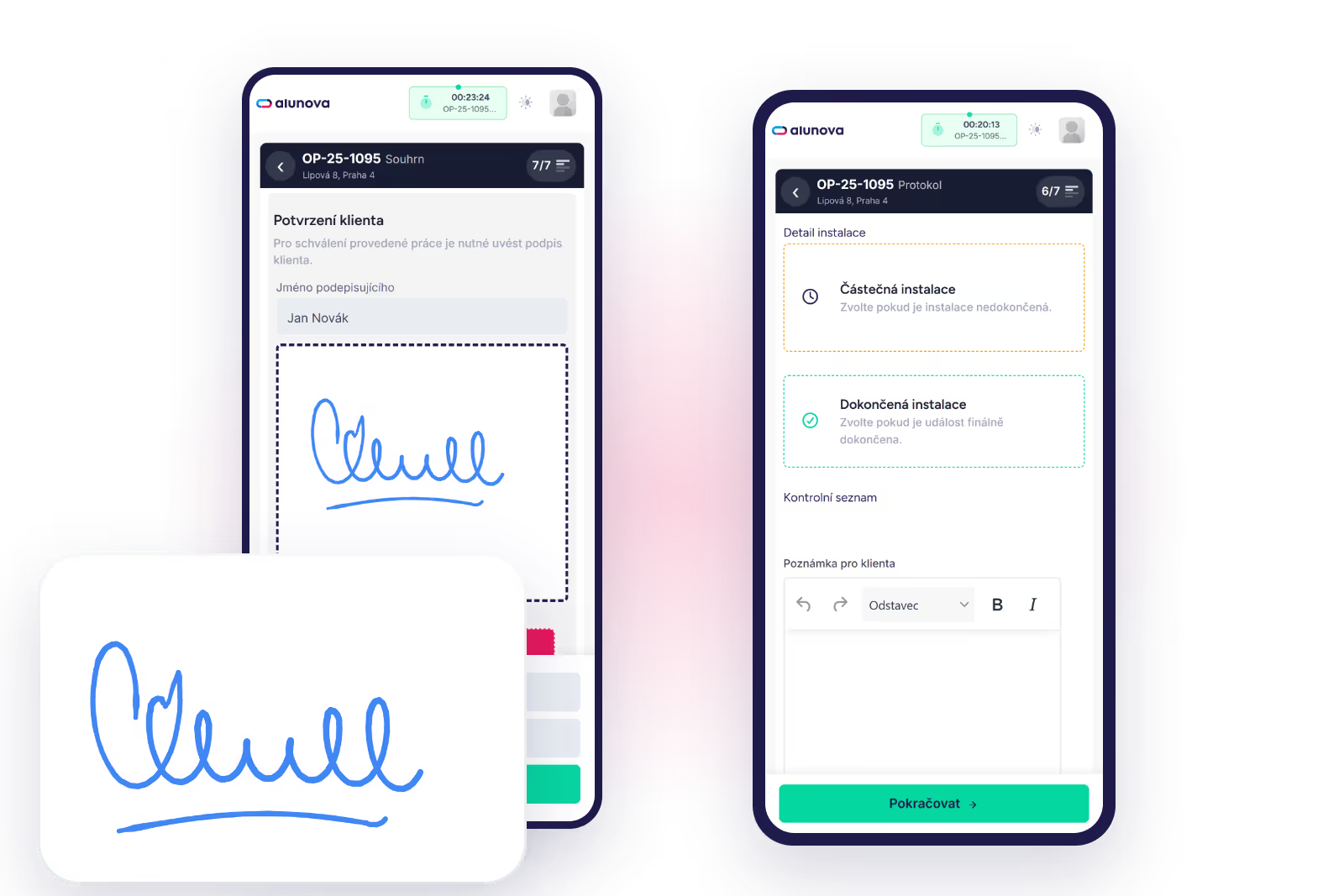
Template per stage
The service report is generated from a template that we prepare for you during onboarding: logo, colours, a header with your company details, fields according to the stage. The intake report looks different from the handover report; the inspection report has different items from the execution report. There can be as many templates as you have deal types and stages.
What the service report contains
Client and job site details, equipment identification, a description of the work carried out, materials used and extra work from the price list, custom fields according to the configuration, photos, work and travel time, the names and signatures of both parties.
Signature on the screen
The technician shows the customer a preview of the service report before signing. The customer signs with a finger, the technician confirms on behalf of the service provider. A photo of the signing person can be added to the signature when you need to prove who accepted the work on behalf of the client.
E-mail and attachment in Raynet
After signing, the service report is e-mailed to the customer according to a template that we set up. At the same time it is stored as an attachment on the deal in Raynet together with the photos. The salesperson finds it on the deal, not in the technician’s mailbox.
Attachments from Raynet to the technician
It also works the other way round: the technician sees the deal’s attachments from Raynet, for example the quote, a drawing or a previous service report, in the job on the phone.
Exports
From completed jobs you export materials to order and the time report to XLSX. The basis for purchasing and invoicing comes from what the technician recorded on site.
Installation sheets and other documents
Besides the service report, we can also generate other documents from your own template, for example an installation sheet or a tax document. We agree the scope during onboarding; you will find the items in the pricing as optional add-ons.
We will show you Alunova on your own jobs
30 minutes online. Bring two or three real cases — we will walk them from scheduling to the report in Raynet.